
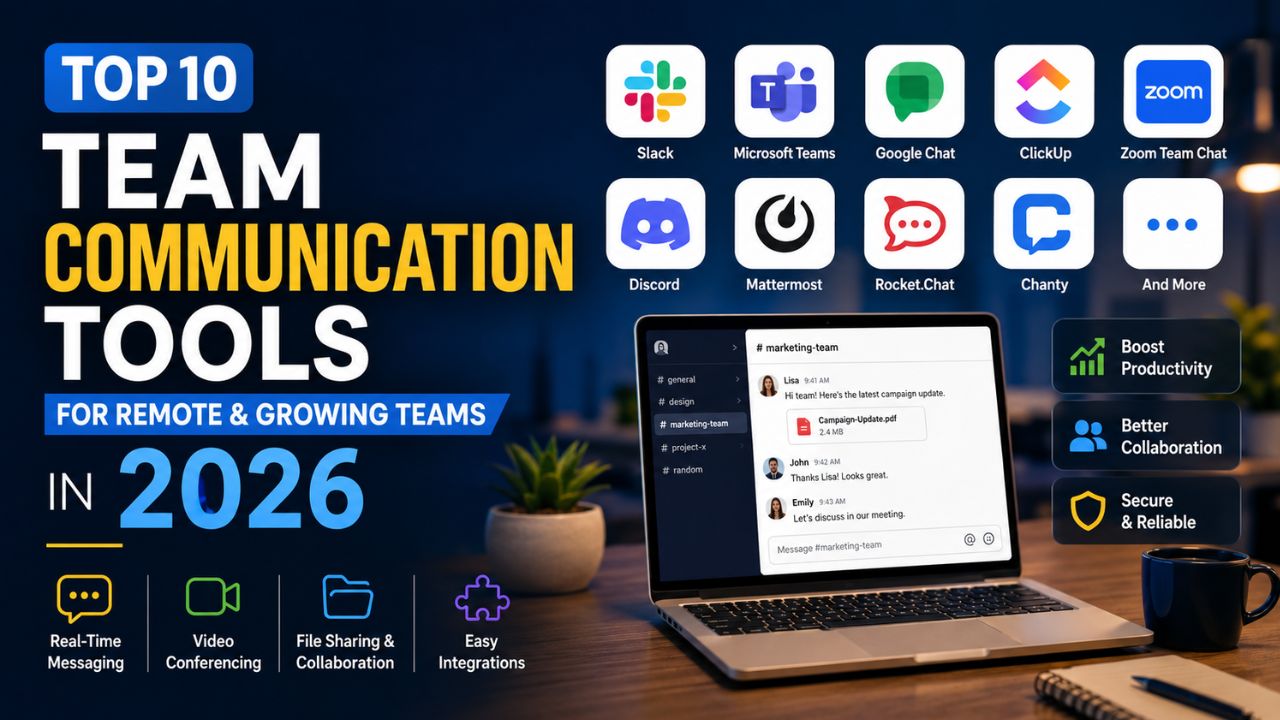
Remote work is no longer a temporary trend—it has become the standard for many businesses. At the same time, hybrid work models continue to grow, making clear, fast, and organized communication more important than ever.
Email alone is no longer enough. Teams now need real-time messaging, video meetings, file sharing, task collaboration, and seamless integrations with the tools they already use.
According to recent workplace studies, employees spend a significant portion of their workday communicating with teammates. The right communication platform reduces delays, improves collaboration, and helps everyone stay aligned regardless of location.
In this guide, we’ll compare the 10 best team communication tools for 2026, examining their features, pricing, strengths, weaknesses, and ideal use cases. Whether you’re managing a startup with ten employees or a growing company with hundreds of remote workers, you’ll find a solution that fits your needs.
Quick Comparison Table
| Tool | Best For | Free Plan | Starting Price |
| Slack | Fast-growing businesses | Yes | Paid plans available |
| Microsoft Teams | Microsoft 365 users | Yes | Included with many Microsoft 365 plans |
| Google Chat | Google Workspace users | Yes | Included with Workspace |
| ClickUp Chat | Project-focused teams | Yes | Affordable paid plans |
| Zoom Team Chat | Video-first companies | Yes | Paid upgrades available |
| Discord | Communities & startups | Yes | Optional premium features |
| Mattermost | Security-focused organizations | Community edition | Enterprise pricing |
| Rocket.Chat | Self-hosted businesses | Community edition | Enterprise pricing |
| Chanty | Small businesses | Yes | Budget-friendly paid plan |
| Workplace alternatives | Enterprise collaboration | Varies | Varies |
How We Selected These Communication Tools
Choosing the right communication platform isn’t just about chat features. We evaluated each solution using practical business criteria.
Our Evaluation Criteria
- Ease of use
- Security and compliance
- Mobile experience
- Video conferencing capabilities
- File sharing
- Search functionality
- AI-powered productivity features
- Workflow automation
- Third-party integrations
- Scalability
- Customer support
- Overall value for money
1. Slack
Slack remains one of the most popular workplace messaging platforms in 2026. It has evolved beyond simple chat into a complete collaboration hub that connects conversations, files, meetings, AI-powered search, and thousands of business applications.
Its clean interface and extensive app ecosystem make it a favorite among startups, technology companies, marketing agencies, and distributed teams.
Key Features
- Organized channels
- Direct messaging
- Slack AI search and summaries
- Audio and video huddles
- Workflow Builder
- Canvas documentation
- Advanced search
- File sharing
- Threaded conversations
- More than 2,500 integrations
Pros
- Extremely easy to use
- Massive integration marketplace
- Excellent mobile application
- Powerful AI productivity features
- Reliable notifications
Cons
- Can become expensive as teams grow
- Free plan limits message history
- Notification overload without proper settings
Best For
- Startups
- SaaS companies
- Marketing agencies
- Software development teams
- Remote-first organizations
Pricing
Slack offers a free plan suitable for small teams, while paid plans unlock unlimited message history, advanced security, AI features, and enterprise administration.
Real-World Example
A 40-person digital marketing agency can create separate channels for SEO, content, paid advertising, design, and client projects. Integrating Google Drive, Zoom, Trello, and GitHub keeps conversations and work in one place, reducing the need to switch between multiple applications.
2. Microsoft Teams
For businesses already using Microsoft Word, Excel, Outlook, SharePoint, and OneDrive, Microsoft Teams provides one of the most integrated collaboration experiences available.
Instead of switching between multiple applications, employees can chat, meet, collaborate on documents, and manage files from a single workspace.
Key Features
- Team chat
- Video conferencing
- Webinar support
- Screen sharing
- Live captions
- Microsoft Copilot AI
- File collaboration
- Meeting recordings
- Calendar integration
- Enterprise-grade security
Pros
- Deep Microsoft ecosystem integration
- Excellent video meetings
- Strong compliance features
- Enterprise-level security
- Great value for Microsoft 365 customers
Cons
- Learning curve for new users
- Interface can feel overwhelming
- Some advanced features require higher-tier plans
Best For
- Enterprises
- Financial organizations
- Government agencies
- Educational institutions
- Companies using Microsoft 365
Pricing
Many Microsoft 365 subscriptions already include Teams, making it a cost-effective choice for businesses invested in Microsoft’s ecosystem.
Real-World Example
A law firm with offices across multiple states can use Teams for secure client meetings, document collaboration, internal messaging, and calendar scheduling while maintaining compliance requirements.
3. Google Chat
Google Chat has matured into a capable business communication platform that works seamlessly with Gmail, Google Meet, Docs, Sheets, Slides, and Drive.
Organizations that already rely on Google Workspace can communicate without installing additional collaboration software.
Key Features
- Spaces for teams
- Direct messaging
- Google Meet integration
- AI-powered assistance
- Shared files
- Task assignments
- Smart search
- Gmail integration
- Mobile support
Pros
- Very simple interface
- Excellent document collaboration
- Fast setup
- Strong search capabilities
- Works well for distributed teams
Cons
- Fewer advanced customization options
- Smaller integration ecosystem than Slack
- Limited workflow automation
Best For
- Startups
- Small businesses
- Educational organizations
- Marketing teams
- Companies using Google Workspace
Pricing
Google Chat is included with Google Workspace, allowing organizations to communicate without purchasing separate messaging software.
Example Use Case
A content marketing agency using Google Docs, Sheets, Drive, and Meet can collaborate on campaigns, review content, assign tasks, and conduct meetings without leaving the Google ecosystem.
How to Choose the Right Communication Tool
Before committing to any platform, consider these questions:
- How many employees will use the platform?
- Do you need video conferencing?
- Is file sharing a priority?
- Which productivity tools must integrate?
- What is your monthly budget?
- Do you need enterprise-level security?
- Will your team grow significantly within the next two years?
The answers will help narrow your options and prevent costly migrations later.
Key Takeaways So Far
Choosing the right communication platform isn’t about finding the tool with the longest feature list. It’s about selecting software that matches your team’s workflows, integrates with existing systems, and scales as your business grows.
Slack excels in flexibility and integrations, Microsoft Teams is ideal for Microsoft-centric organizations, and Google Chat offers a lightweight solution for businesses already using Google Workspace.