

Notion’s Business plan now costs roughly twenty dollars per user each month, yet its free tier caps users at only twenty lifetime AI responses. That single detail tells you everything about where apps and software are headed in 2026: smarter, more automated, and increasingly priced around how much AI work you actually need done.
Whether you are a remote worker juggling three time zones, a student managing five classes, or a professional trying to keep a team on schedule, the right apps and software can either simplify your day or quietly drain your budget.
This guide breaks down the current landscape of apps and software, from AI-powered workspaces to free task managers, so you can build a stack that actually fits how you work.
Why the Apps and Software Landscape Is Changing Fast
Software used to have a simple job: store your files, track your tasks, or send your messages. That is no longer true. Today’s leading apps and software blend those functions with artificial intelligence that can read your documents, summarize your meetings, and even act on your behalf.
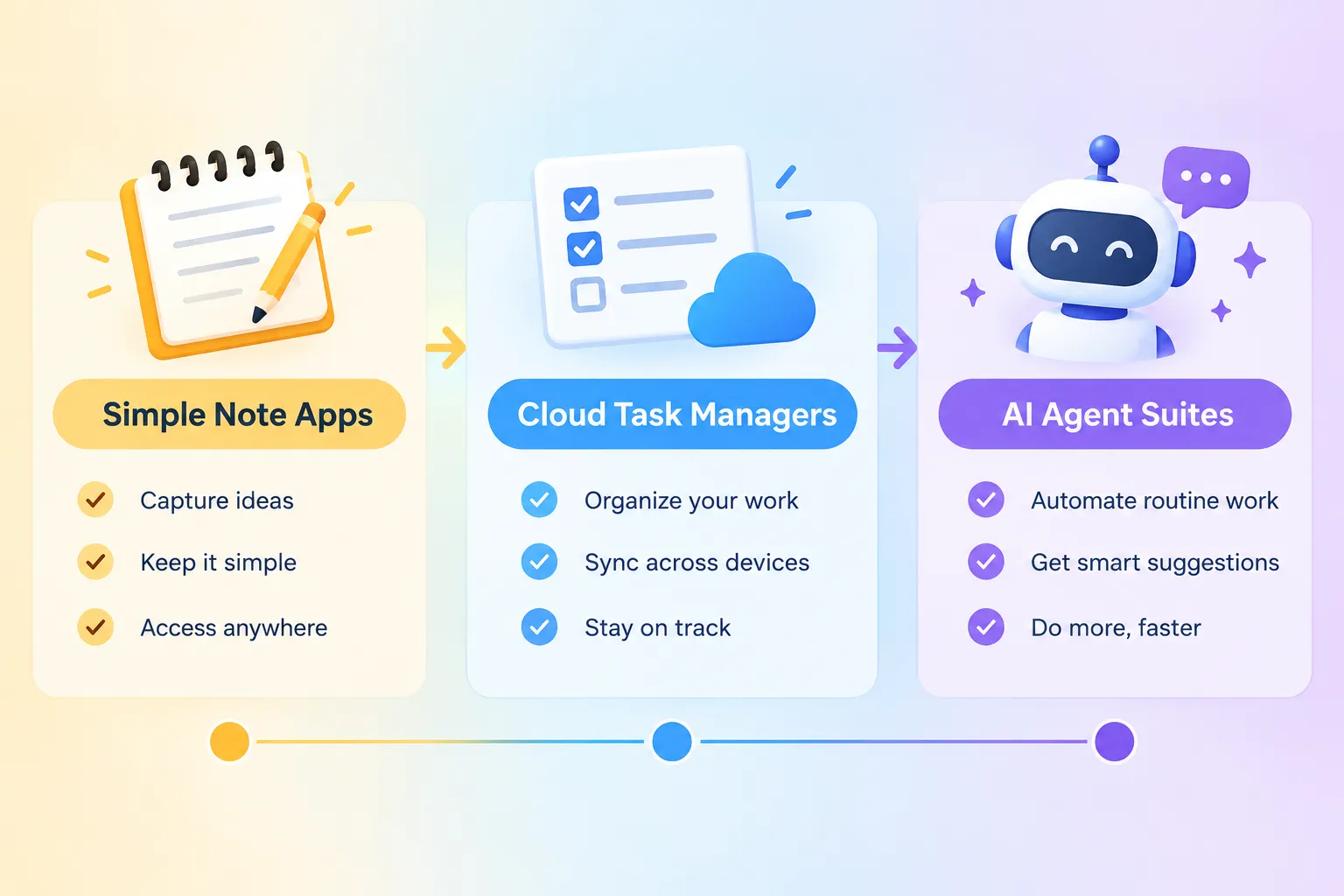
Notion is the clearest example. What started as a flexible notes app now includes Notion Agent, Custom Agents, Research Mode, Enterprise Search, and AI Meeting Notes, all under one AI umbrella. It can chat across your entire workspace, build databases automatically, and write formulas without you touching a spreadsheet. This shift from “a tool that stores information” to “a tool that acts on information” is the biggest trend shaping apps and software this year.
That evolution matters because it changes how you should evaluate any new tool. Instead of asking “does this app have a good interface,” the better question is “does this app understand my work well enough to help without me managing it constantly.” Analysts expect this kind of context-aware assistance to spread well beyond Notion into calendars, project boards, and note apps over the next year or two.
Best Apps and Software for Personal Task Management
For most individuals, the goal is not a complex system. It is a reliable list that syncs everywhere and does not get in the way. Several 2026 comparisons that tested dozens of apps keep landing on the same conclusion.
- Todoist consistently ranks as the safest default choice. It works across desktop, mobile, and web, syncs quickly, and its free tier covers most personal needs. Its “Task Assist” feature uses AI to help plan tasks automatically, and user ratings hover near 4.8 out of 5 in recent reviews. If you want one app that just works without a learning curve, this is usually the recommendation.
- Microsoft To Do is frequently named the best fully free option, especially for anyone already using Outlook or Microsoft 365. It has a simple design, and its integration with email and calendar makes it a natural fit for office workers.
- Google Keep earns praise for quick capture, sticky-note style reminders, and simplicity on mobile. It is not a full task manager, but for jotting down a thought before it disappears, it remains a favorite in field guides.
Here is a quick snapshot of how these tools generally compare:
| Tool | Best For | Standout Feature |
|---|---|---|
| Todoist | General task management | AI-assisted planning, wide device support |
| Microsoft To Do | Free personal productivity | Outlook integration |
| Google Keep | Quick notes and reminders | Lightweight capture on mobile |
| Motion | Schedule-heavy workflows | Automatic calendar rearranging |
AI Agents and Automation Are Reshaping Productivity Software
The most significant shift in apps and software right now is the move from passive tools to active agents. Instead of simply displaying your to-do list, modern platforms are starting to complete parts of the work themselves.
Notion’s approach is instructive. Its AI Meeting Notes feature transcribes conversations on both desktop and mobile, generates summaries, pulls out action items, and stores everything in a structured page automatically. Reviewers note it can even keep transcribing on a locked phone screen in the background. This kind of automated meeting capture, once a niche add-on, is now treated as a baseline expectation for any serious productivity suite.
“Automated meeting notes are quickly becoming a core signal of whether a platform is modern or legacy.”
Pricing is evolving alongside these features. Notion’s Business plan, at around twenty dollars per user monthly, unlocks the full AI suite, including agents, workspace-wide search, and meeting transcription. Free and Plus tiers cap out at roughly twenty AI responses total, not per month. Custom Agents and heavier automations run on a credit system, priced around ten dollars per one thousand credits. This credit-based model is worth watching closely, since heavy users of automation can rack up costs quickly if they are not tracking usage.
Other platforms are widely expected to adopt similar credit-based AI pricing as autonomous agents become standard features rather than premium extras. If you rely on automation daily, always check the fine print on usage limits before upgrading.
Free and Low-Cost Apps and Software Alternatives Worth Trying
Not everyone needs, or wants, an AI-powered subscription. A large share of daily productivity needs can still be met with free apps and software that have been reliable for years.
Some of the most recommended no-cost tools include:
- Google Calendar for shared scheduling and reminders
- Google Docs for collaborative writing without licensing fees
- Trello for simple visual task boards
- Microsoft To Do for personal task tracking tied to email
- Google Keep for fast, lightweight note capture
These tools share a few common traits: they are easy to learn, work across devices, and do not require a credit card to get started. For students managing coursework or freelancers just starting out, this free tier is often enough. The moment you add a team, multiple projects, or a need for AI-generated summaries, that is usually the signal to consider a paid upgrade.
A practical rule of thumb: start free, track where you feel friction (missed deadlines, disorganized notes, slow team communication), and only pay for the specific gap you find. Upgrading before you understand your actual bottleneck often leads to paying for features you never use.
Team and Project Management Software for Growing Workflows
Personal task lists break down once a project involves more than one person. That is where dedicated project management software becomes necessary, and 2026 testing consistently points to a few standout names.
Zoho Projects is often named the best choice for full-cycle project management. It combines task tracking, team collaboration, and reporting in one place, making it a strong fit for organizations that need timelines and resource planning rather than a simple checklist.
For businesses juggling customer communication across channels, tools like GoDaddy Conversations consolidate email, chat, and social messages into a single dashboard. Analysts increasingly stress that centralized communication is just as important as task tracking for small businesses trying to avoid dropped messages and duplicated work.
When comparing project tools, look for these baseline features:
- Task assignment with clear ownership
- Shared timelines or Gantt-style views
- Built-in reporting for progress tracking
- Cross-platform access on Windows, macOS, iOS, and Android
- Integration with existing communication tools
Cross-device access has become a baseline expectation rather than a bonus feature. If a tool only works well on one platform, it is likely to create friction for remote or hybrid teams.
Choosing the Right Apps and Software for Mobile Productivity
No single app dominates every use case, and mobile-first guides make this especially clear. Instead of naming one universal winner, current recommendations break productivity into categories, assigning a top pick to each.
Common category breakdowns include:
- Habit tracking: apps built specifically around streaks and daily check-ins
- Note-taking: quick capture tools like Google Keep for short-form thoughts
- Calendar: AI-assisted schedulers like Motion for people with packed days
- Task management: Todoist for reliable cross-device lists
- Focus: dedicated timer and distraction-blocking apps
Motion deserves special mention here. Rather than just displaying events, it actively rearranges your tasks and meetings to protect focused work time, functioning more like an AI project manager for your calendar than a static scheduling app. Similarly, newer “thinking workspace” tools like Storyflow are gaining attention for supporting ideation and complex reasoning across an entire canvas of notes, not just simple lists. This points to a broader trend: apps and software are increasingly built around specific types of thinking, whether that is scheduling, writing, or project planning, rather than trying to be everything to everyone.
The takeaway for mobile users is simple. Pick one app per category based on your actual habits, rather than searching for a single app that does it all. Fewer, well-matched tools usually beat one overloaded app.
What to Consider Before Committing to an AI-Powered Software Stack
Before locking into any AI-heavy productivity ecosystem, it is worth understanding the trade-offs. Detailed evaluations of tools like Notion AI highlight genuine strengths: the system reasons over your current workspace data without uploading it elsewhere, supports persistent context across sessions, and emphasizes data sovereignty for enterprise customers. Business plans often include access to leading models, which effectively embeds a capable AI assistant directly into your existing workflow instead of requiring a separate chatbot subscription.
That said, analysts also flag real limitations. AI features inside broad productivity platforms are not always specialized for deep domain work, and moving your context to a different tool later can be difficult once you are deeply integrated into one ecosystem. Before committing, ask yourself these questions:
- Does the free tier cover enough usage, or will you hit limits quickly?
- Are automation costs based on credits, and could heavy use become expensive?
- Can you export your data cleanly if you switch tools later?
- Does the platform index only what you need, or does connecting every tool create unnecessary exposure?
Enterprise search features that pull data from Slack, Google Drive, GitHub, and other connectors are powerful, but they also widen the amount of company information flowing through one AI system. For personal users this is less of a concern, but for teams handling sensitive data, it is worth a careful review before enabling every connector available.
Final Thoughts
The world of apps and software in 2026 rewards people who match tools to specific needs rather than chasing the single “best” app. Start with free, dependable options like Todoist, Microsoft To Do, or Google Keep if you are managing personal tasks. Move to AI-powered suites like Notion only when you have a clear use case, such as automated meeting notes or workspace-wide search, that justifies the cost. For teams, dedicated project software like Zoho Projects fills gaps that personal task apps simply cannot cover.
Your next step is practical: list your three biggest daily frustrations, whether that is missed deadlines, scattered notes, or slow team communication, and pick one tool that solves each. Test the free tier first, watch your actual usage, and only upgrade to paid AI features once you can point to the specific problem they solve. A smaller, well-matched stack of apps and software will almost always outperform one oversized tool trying to do everything at once.
apps and software, productivity apps, Notion AI, Todoist, task management software, AI agents, project management tools, free productivity apps, Microsoft To Do, remote work tools, digital workflow, software alternatives